The Tinker Fair
A one-day, hands-on event that introduces children to science, robotics, and discovery in a single high-energy session. Three coordinated experiences run in sequence, fully supervised and paced for early years attention spans.

Our nursery vertical · Inspiring young innovators through hands on learning
Our nursery vertical offers two connected ways of bringing STEAM into early years settings — a one-day, high-energy discovery event and recurring term-long enrichment classes. Both are delivered by trained facilitators and scaled for children aged 3 and up. For ages 6 to 18 we run a full course catalog in-house and online.

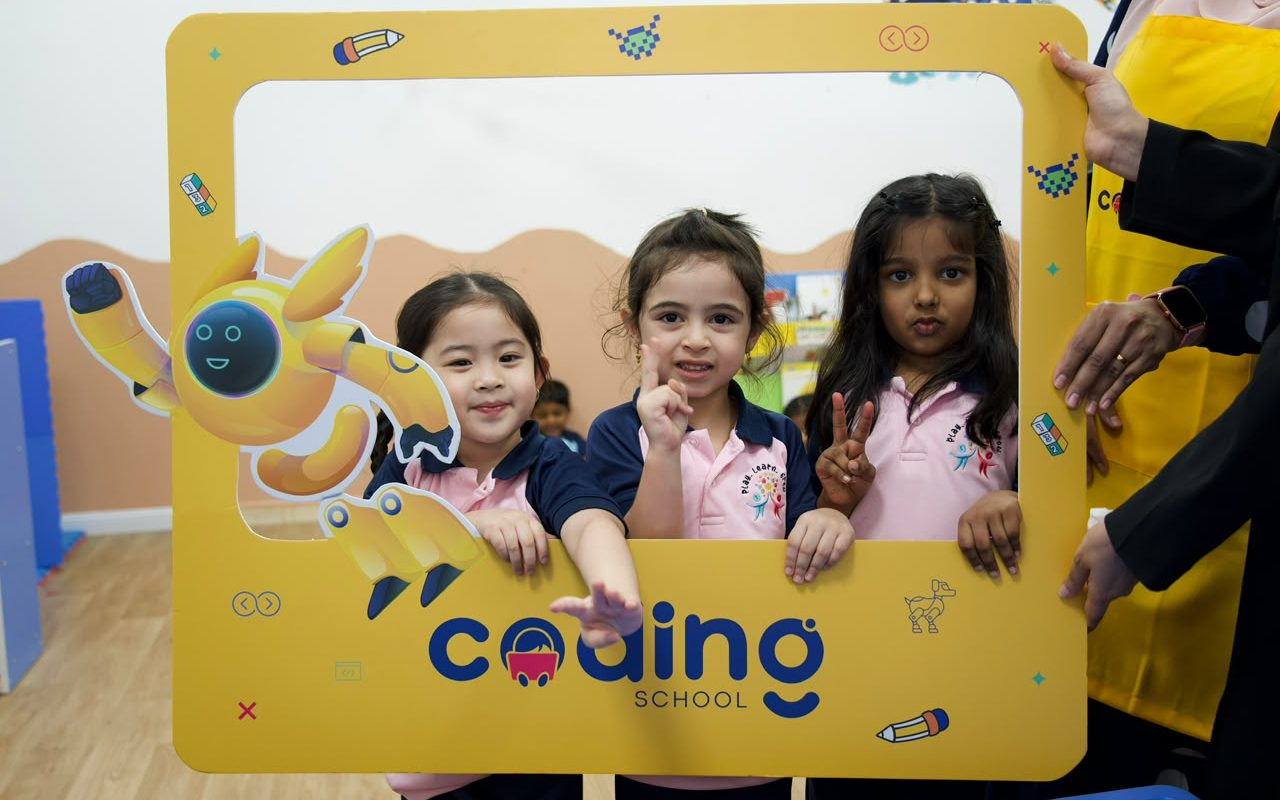
About our offering
Nurseries can book the Tinker Fair as a standalone event, the weekly programmes as an ongoing partnership, or both together as a combined STEAM offer.
A one-day, hands-on event that introduces children to science, robotics, and discovery in a single high-energy session. Three coordinated experiences run in sequence, fully supervised and paced for early years attention spans.
Recurring term-long classes — Science, Arts, Robotics, and Coding — that run as part of the nursery's enrichment timetable. Content builds week-by-week so children develop real skills across the term.
All activities are delivered by trained facilitators, scaled for early years learners, and drawn from our wider curriculum of 57 experiments across four progressive levels.
Audience
Nursery Directors and Early Years Educators, typically based in Dubai. They are looking for safe, credible, age-appropriate STEM activity partners.
Children at the partner nursery, usually aged 3 and up. Their parents are the ones who decide whether to sign their child up when the nursery promotes the event or programme.
A one-day, age-appropriate event combining three coordinated experiences: a science show, hands-on experiment stations, and a robotics zone. The day is fully supervised and paced for early years attention spans.
Part 1 — The Tinker Fair
The three experiences run in sequence: the science show opens, experiment stations follow, robotics closes.
Science Show
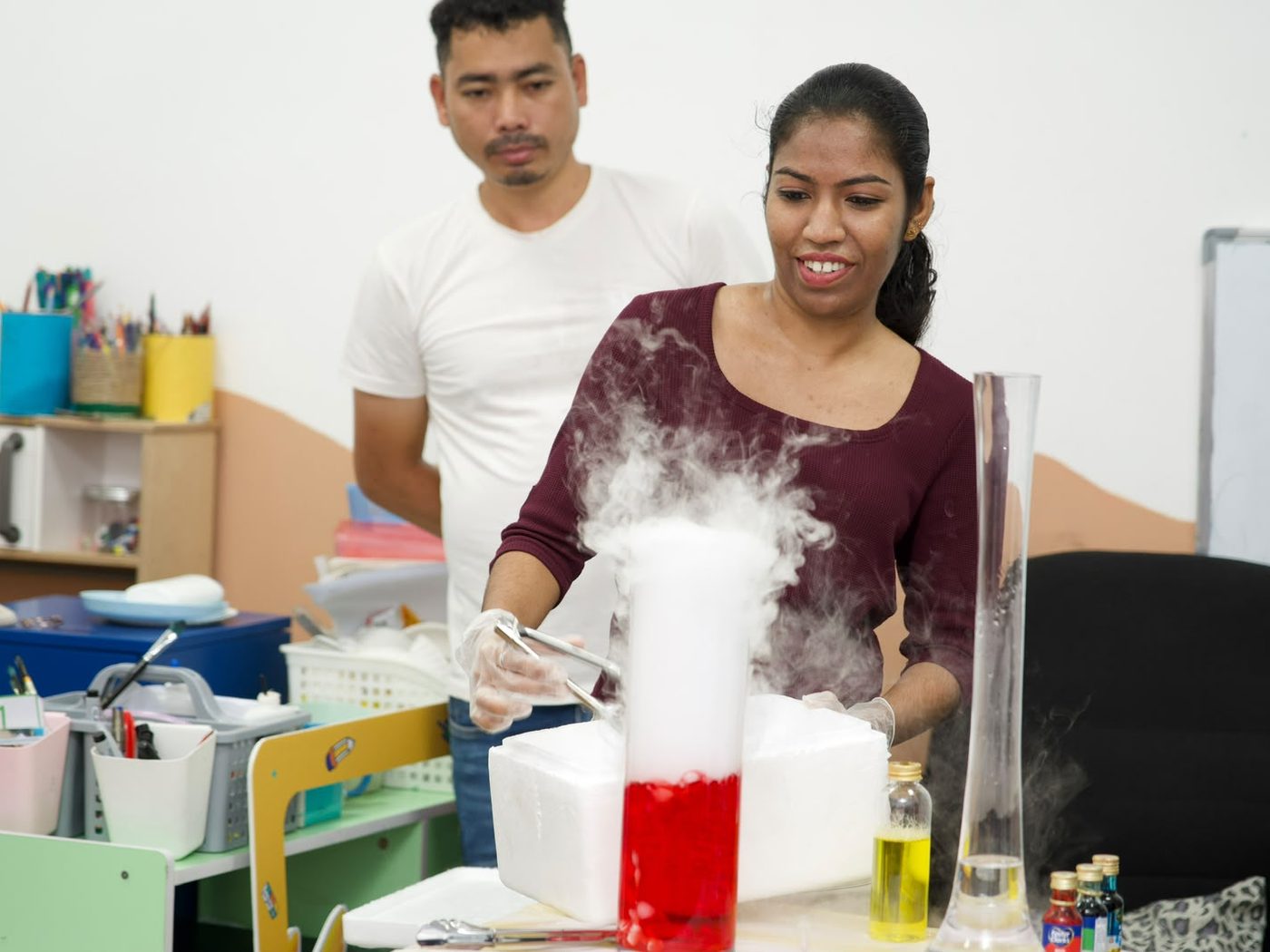
A high-energy show built entirely around the wonder of dry ice. Children watch swirling fog clouds appear and disappear, see giant smoke-filled bubbles form and burst, and gasp at colour-changing dry ice cauldrons fizzing to life.
Every effect is handled by our facilitators: children watch and react, never touch.
Experiment Booths
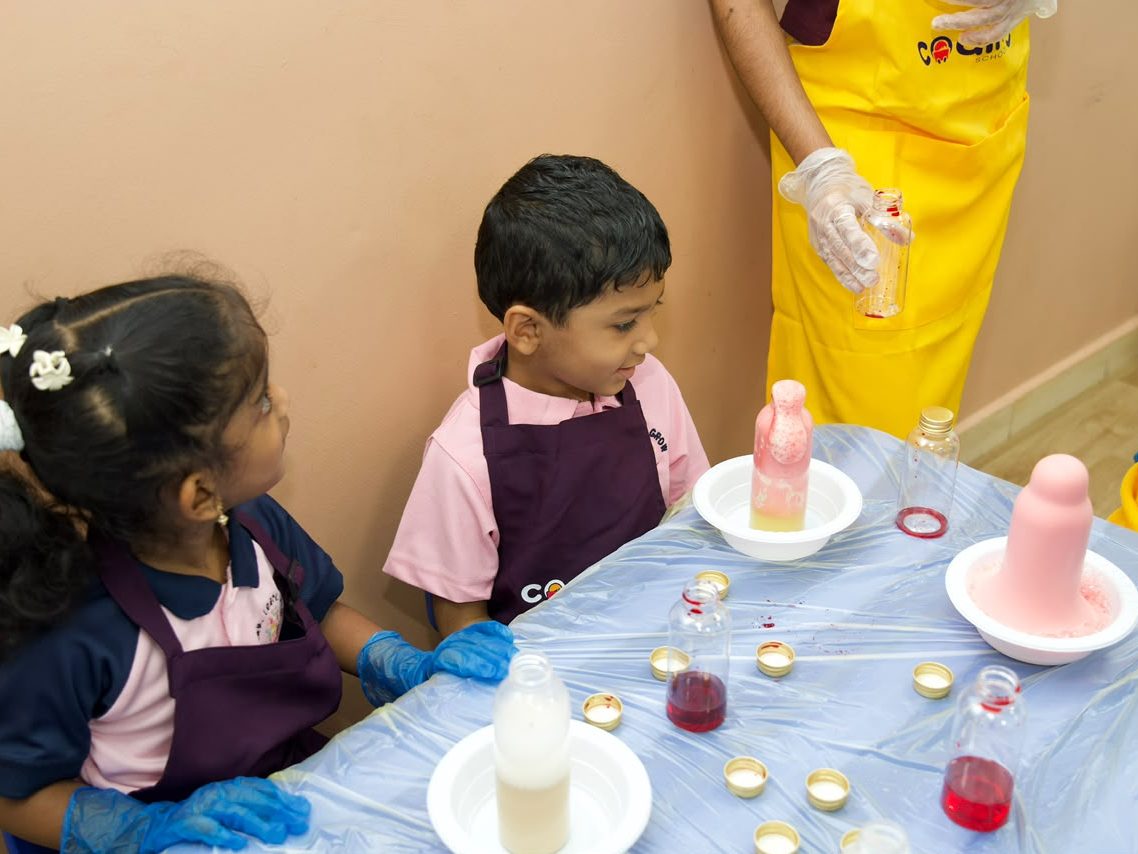
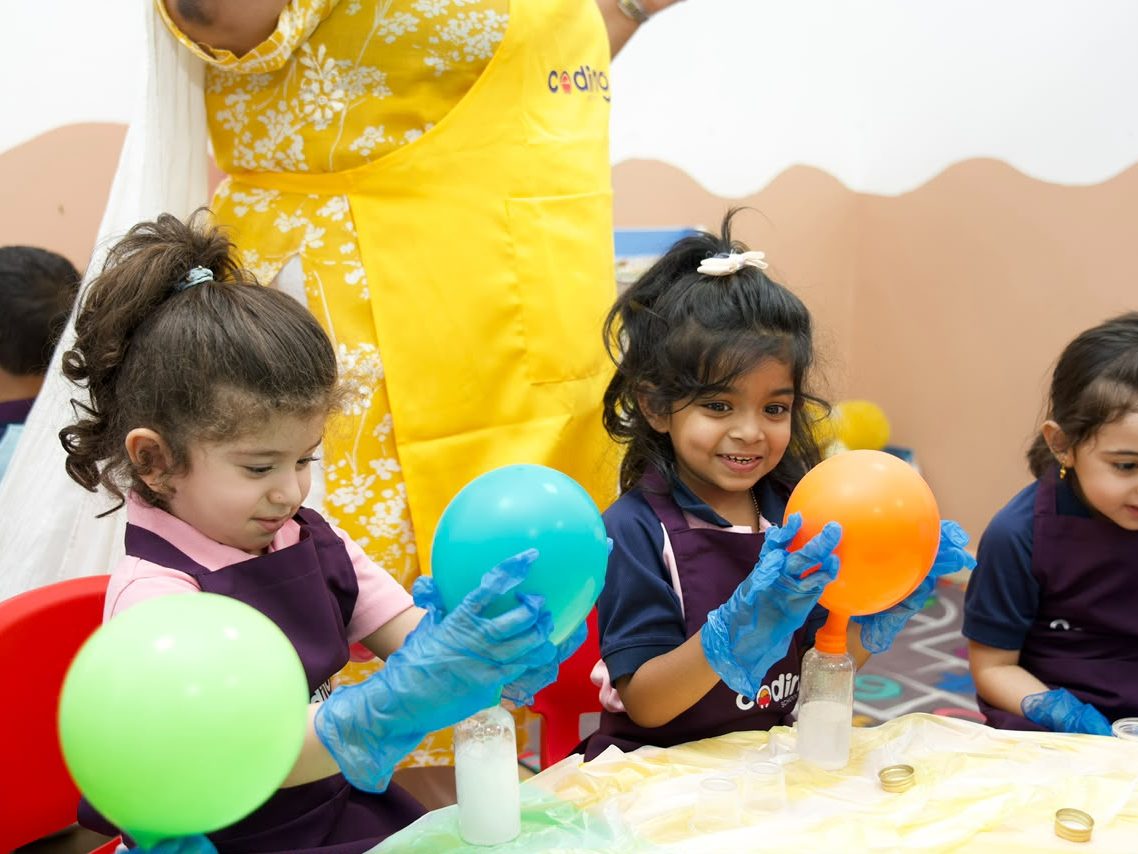
Four guided hands-on stations where children touch, mix, pour, and watch chemistry come alive:
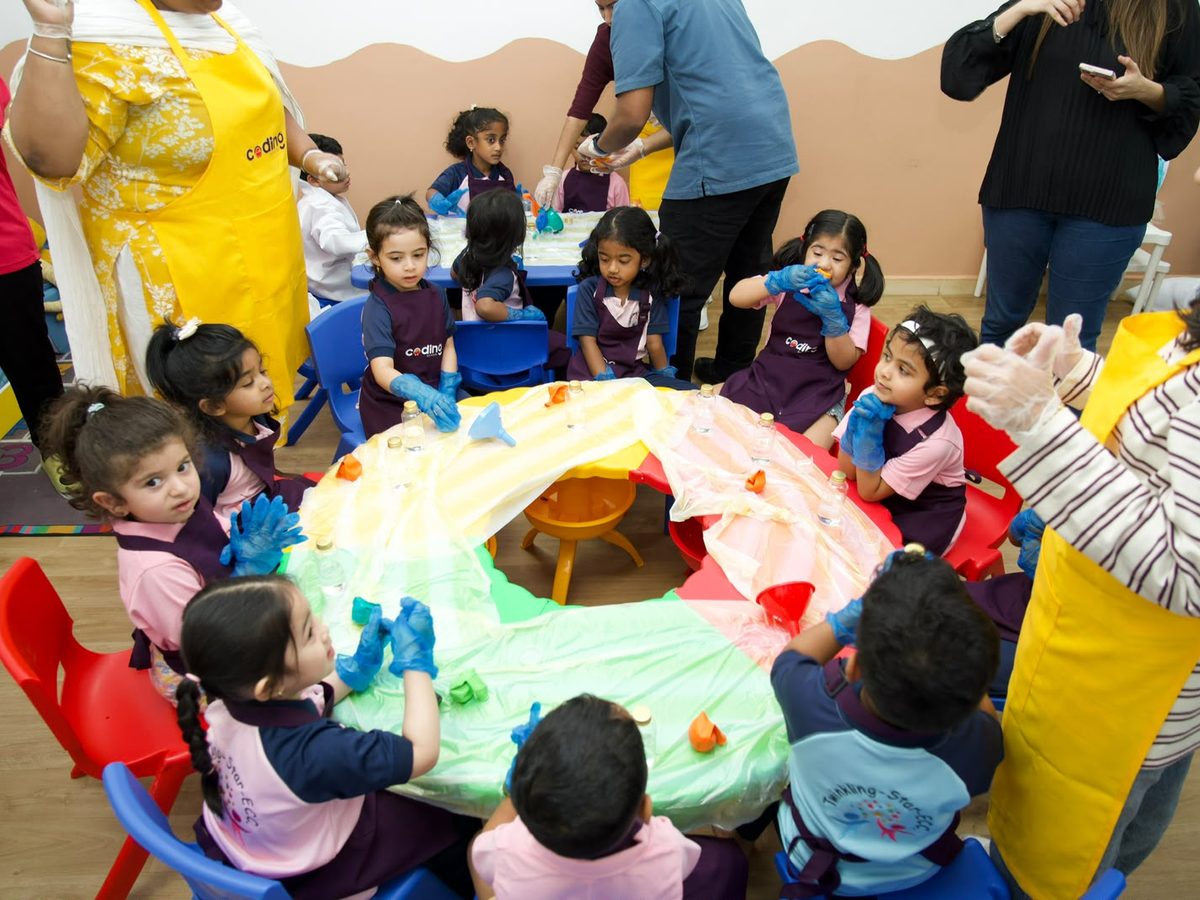
Every station is led by our facilitators, with children actively pouring, mixing, and creating at each one.
Robotics Experience
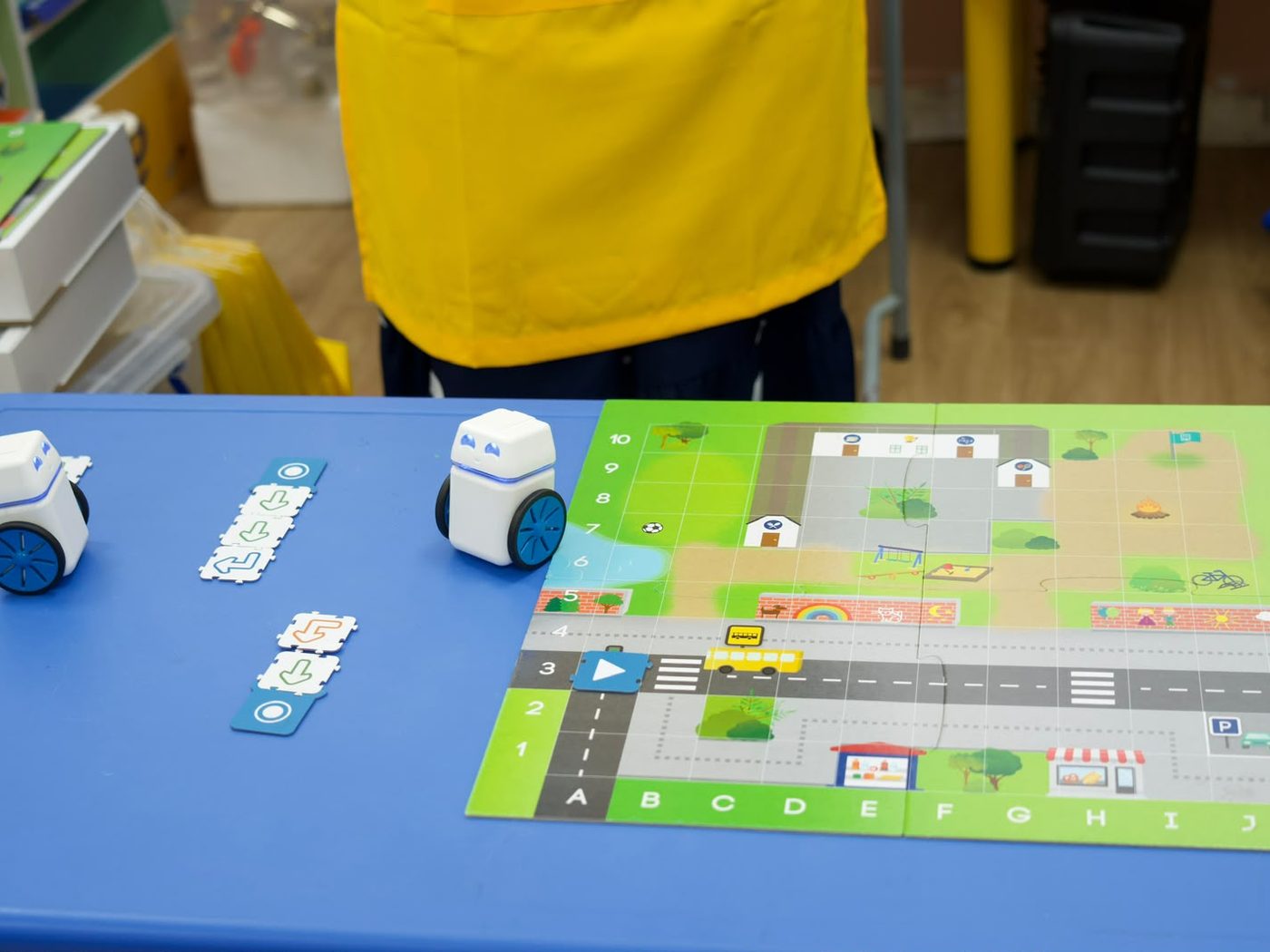
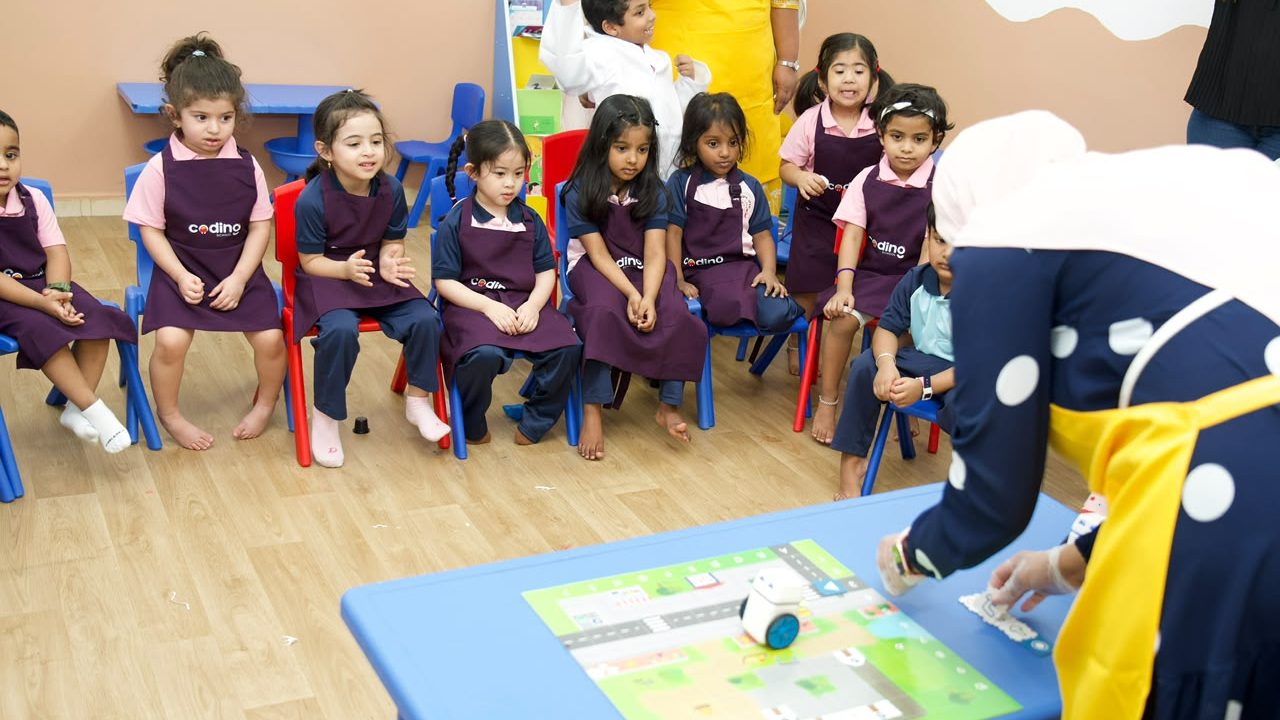
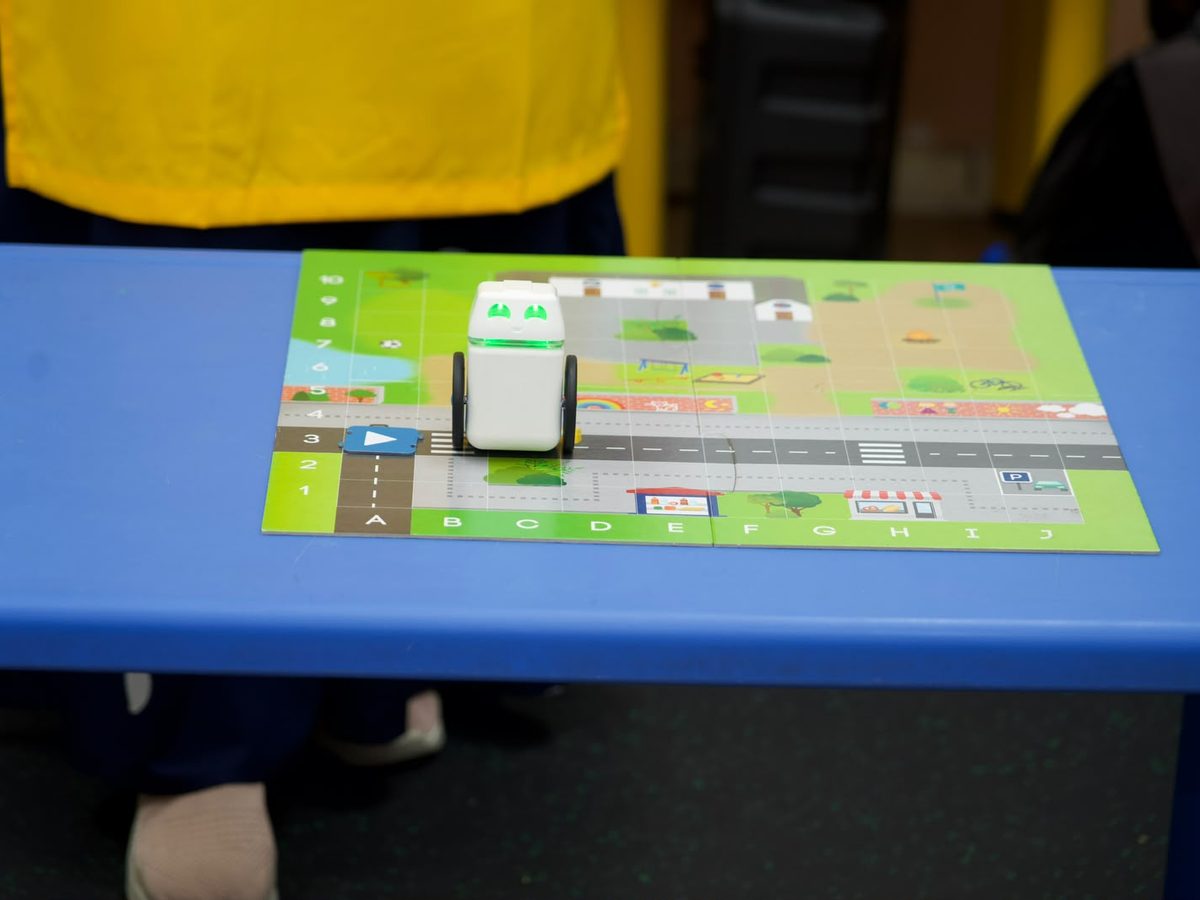
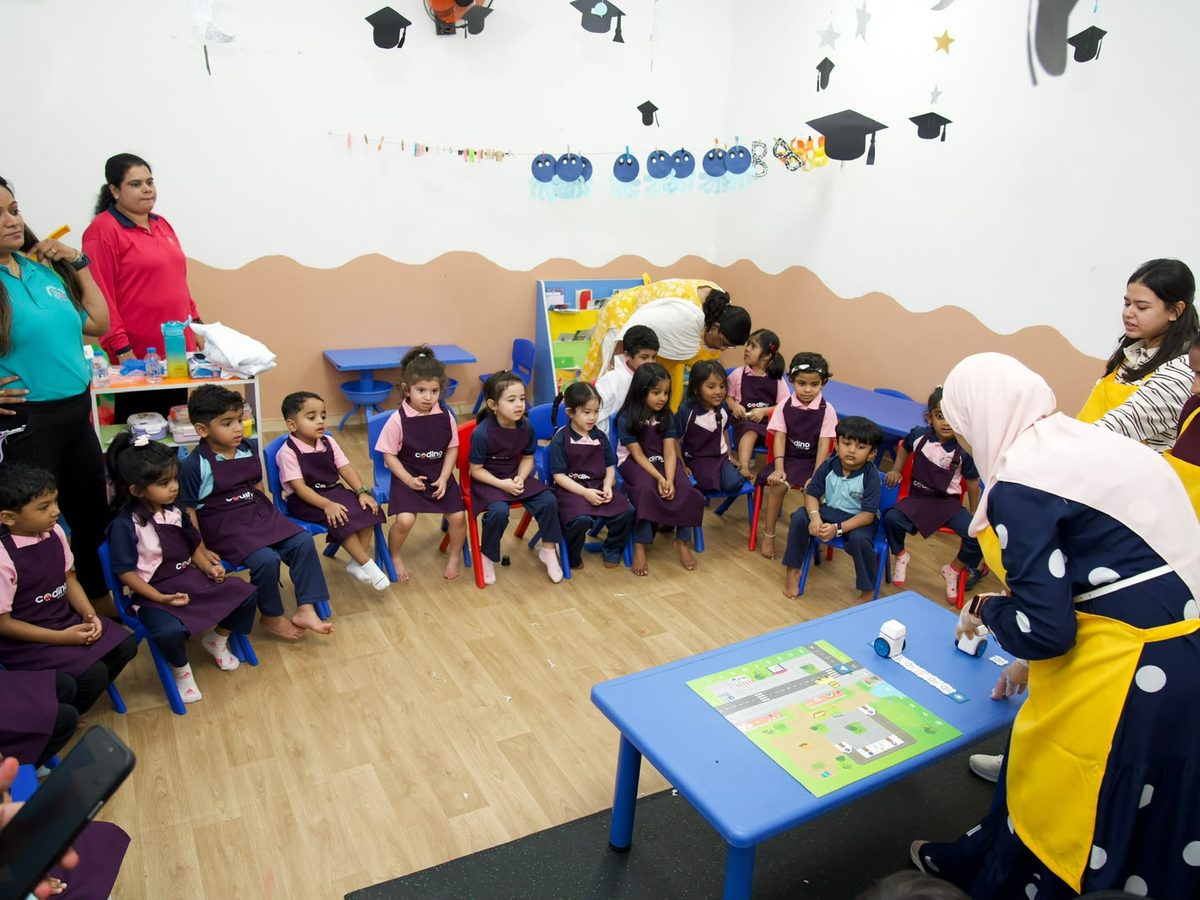
Children meet Kubo and other age-safe, screen-free coding robots. Using physical puzzle tiles, they program the robots to move, turn, and complete simple missions on a floor mat.
No screens, no apps — purely hands-on play that introduces sequencing and logic.
Program the robot · no screens
Children lay down physical command tiles, then watch the robot carry out the sequence they built — the first taste of cause, effect, and debugging.
Part 2 — Weekly Enrichment Programmes
Four recurring programmes that run throughout the term as part of the nursery's enrichment timetable. Each is delivered by trained facilitators following our structured curriculum, with content that builds week-by-week so children develop real skills across the term.
Programme 01
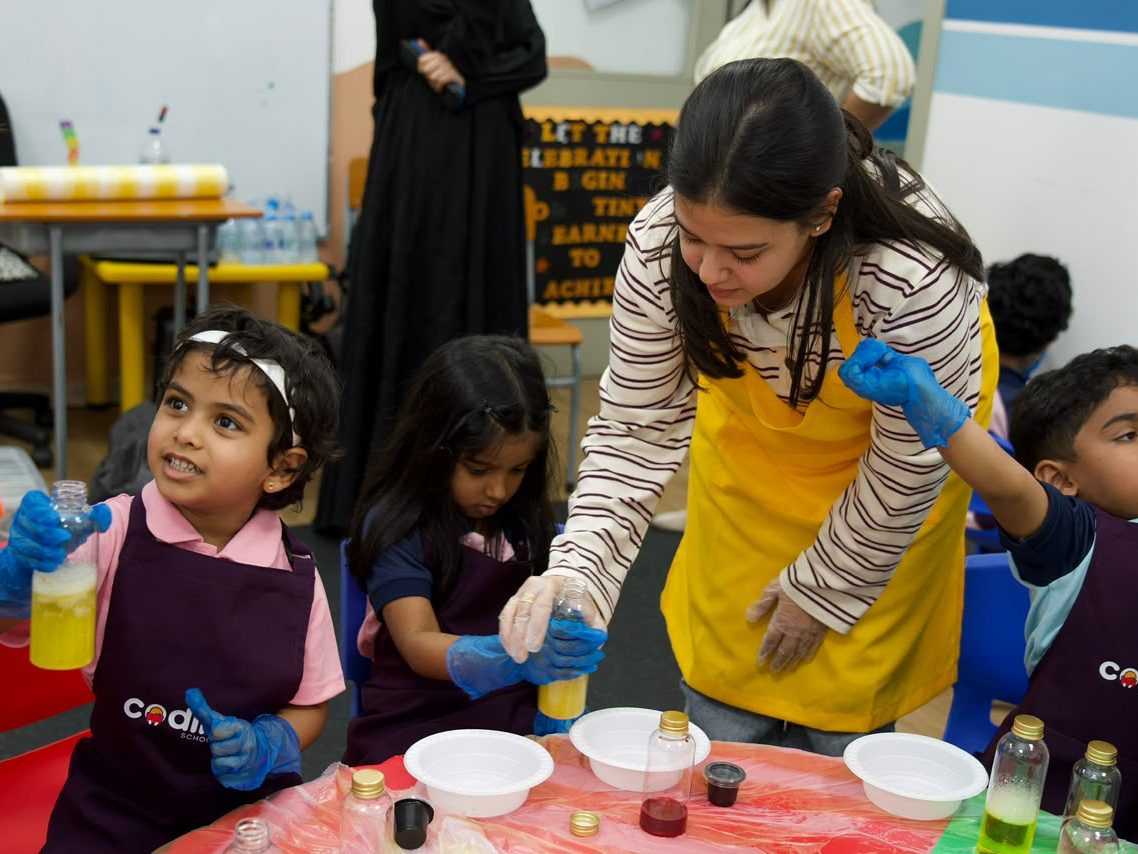
Weekly sensory science sessions drawn from our Level 1 Foundations curriculum: Oobleck, Walking Water, Lava Lamp, Lemon Volcano, Bath Bomb, Magic Milk, and other safe experiments that build on each other across the term. Each class ends with a take-home or display piece. All materials provided.
Programme 02
Weekly creative sessions covering canvas painting, 3D pen creations, figurine moulding & painting, pressed flowers, mixed-media collage, and seasonal craft projects. Sessions are themed across the term so children build a portfolio of work to share with parents.
Programme 03
Weekly sessions with age-safe, screen-free coding robots like Kubo. Children use physical puzzle tiles to program the robots to move, turn, and complete simple missions on a floor mat. Lessons build week-by-week from basic directional commands to short multi-step sequences. We bring all equipment; no nursery equipment or screens required.
Programme 04
Weekly sessions adapted to the age group — unplugged coding games, directional thinking, and pattern recognition for the youngest, with introductory tap-based coding apps and block-based logic puzzles gently introduced for older learners only.
Programmes can run weekly, bi-weekly, or in a custom rhythm. Nurseries can book a single subject, a bundle, or all four as a combined STEAM offer.
Robotics & AI · Full-year curriculum
Our most in-depth weekly programme, mapped session by session. It runs once a week across three terms, and children work with real robots every single week — programming KUBO with puzzle tiles, building and coding with WhalesBot, sending Ozobot along colour-coded tracks, and meeting genuine AI robots.
About the programme
Sessions are led by trained facilitators in small groups, and activities are gently scaled to each child's stage.
Done through play, robotics and AI build exactly the skills early years is all about — problem-solving, sequencing, focus, fine motor control, language and confidence — while giving children a joyful head start with the technology that will shape their world.
Giving step-by-step instructions, sequencing, and spotting & fixing mistakes — hands-on with KUBO, Ozobot and Codi.
Building and programming robots with WhalesBot — early engineering, fine-motor skills and sensors.
Meeting real AI robots that listen, talk, recognise and show feelings — and discovering how AI learns from examples, sees and helps us every day.
Giving instructions, talking to robots, taking turns, sharing ideas and presenting proudly.
Place puzzle tiles to program KUBO to drive, turn and complete missions — hands-on coding, no screen.
Build robots from big magnetic blocks, then program them to move and react with a sensor.
Draw tracks and lay colour codes to send a tiny robot on its way — speed up, slow down or spin.
Code a friendly robot mouse with picture cards to find its way through a maze.
Real AI robots that listen, talk, recognise and show feelings — children's first steps into AI, always adult-led.
Tap-and-drag blocks on a tablet to make characters move, jump, talk and tell a story — an introduction to block coding, offered only if your nursery wants it.
A few screen-free games — like becoming a robot ourselves — that plant the first idea: a robot does what we tell it.
Three terms that build on one another. A real robot anchors almost every week — the tables below show the journey at a glance.
Children meet a real AI robot on day one, then learn the big idea behind every robot — it does exactly what we tell it. Across the term they program KUBO with puzzle tiles to travel, turn, reach goals and fix mistakes, and return to the AI robot to ask it questions.
| Activity | Robot / tool | What children learn |
|---|---|---|
| Meet the Robots | MIKO 3 / OZOBOT ARI | Meet a real AI robot that listens, talks and shows feelings. |
| Be the Robot | UNPLUGGED | I can steer a pretend robot to a target using forward, turn and stop. |
| Meet KUBO | KUBO | I can meet KUBO and place a tile to make it move. |
| KUBO's First Path | KUBO | I can lay two or three tiles to send KUBO to a goal. |
| Find It & Fix It | KUBO | I can spot why KUBO missed and fix the path to make it work. |
| Turn and Go | KUBO | I can add a turn tile to steer KUBO around a bend. |
| Longer Journeys | KUBO | I can plan and build a four or five tile path for KUBO. |
| Robot Errands | KUBO | I can program KUBO to visit places in a story to deliver things. |
| Ask the AI Robot | MIKO 3 / OZOBOT ARI | Ask an AI robot questions and watch it listen and answer. |
| Term 1 Celebration | KUBO | Put it all together — run a KUBO mission and say hello to the AI robot. |
Children become builders and coders — connecting big blocks to build robots with WhalesBot, programming them to move and react with a sensor, then coding Codi the robot mouse through mazes with picture cards.
| Activity | Robot / tool | What children learn |
|---|---|---|
| Big Builders | WHALESBOT A3 | Children join the big WhalesBot blocks together and build a tall tower they can be proud of. |
| Build a Robot | WHALESBOT A3 | I can build a robot with magnetic blocks and name its parts. |
| Make It Move | WHALESBOT A3 | Children add wheels to a build so it can roll along instead of standing still. |
| Code It to Move | WHALESBOT A3 | I can give my robot a command so it moves the way I want. |
| Sensors & Reactions | WHALESBOT A3 | I can add a sensor so my robot notices something and reacts. |
| Meet Codi the Robot Mouse | THAMES & KOSMOS KIDS FIRST | I can build Codi the mouse and give it a simple line of coding cards to follow. |
| Mouse Maze | THAMES & KOSMOS KIDS FIRST | I can plan a sequence of cards to move Codi through a simple maze. |
| Story Build | WHALESBOT A3 | I can build a robot for a story idea and program it to do a short action. |
| Build & Code Challenge | WHALESBOT A3 | I can build a robot and then program it to complete a small task. |
| Term 2 Celebration | WHALESBOT A3 | Show off a robot they built and program it to move. |
Colours become codes as children program Ozobot with colour codes and drawn tracks — then the AI thread deepens: they discover how AI learns from examples, talks and listens, 'sees' with a camera, and already helps us every day.
| Activity | Robot / tool | What children learn |
|---|---|---|
| Colour Codes | OZOBOT COLOUR MAGNETS | I can put colour magnets in a row to make a colour code the way robots use. |
| Meet Ozobot Evo | OZOBOT EVO | I can draw a thick line and watch our little robot follow it. |
| Codes That Do Tricks | OZOBOT EVO | I can add colour codes so Evo speeds up, slows down or spins. |
| Design a Track | OZOBOT EVO | I can help design a track with a path and colour codes for Evo to travel. |
| How AI Learns | MIKO 3 / OZOBOT ARI | Discover that AI learns from lots of examples we show it. |
| Talk to the AI Robot | MIKO 3 / OZOBOT ARI | Hold a little conversation — AI listens to our voice and replies. |
| The Robot That Sees | MIKO 3 / OZOBOT ARI | See how an AI robot uses a camera to recognise things. |
| AI Helpers Around Us | MIKO 3 / OZOBOT ARI | Spot where AI already helps us every day. |
| Little Innovators' Project | CHILDREN'S CHOICE | Choose a favourite robot and prepare a little project. |
| Year Celebration | CHILDREN'S CHOICE | Celebrate a whole year of robots, coding and AI. |
| Activity | Robot / tool | What children learn |
|---|---|---|
| Colour Codes & Meet Ozobot Evo | OZOBOT EVO | I can make a colour code with magnets, then draw a line for our little robot to follow. |
| Codes That Do Tricks & Design a Track | OZOBOT EVO | I can add colour codes so Evo speeds up, slows down or spins — then help design a track for it to travel. |
| Meet ScratchJr | SCRATCHJR | I can tap a block to make my character move across the screen. |
| Move, Jump, Repeat | SCRATCHJR | I can join a few blocks in a row, and use repeat to do it again. |
| Characters That Talk | SCRATCHJR | I can add a speech bubble and a sound so my character says something. |
| How AI Learns & Talk to the AI Robot | MIKO 3 / OZOBOT ARI | Discover that AI learns from lots of examples — then hold a little conversation with it. |
| The Robot That Sees & AI Helpers Around Us | MIKO 3 / OZOBOT ARI | See how an AI robot uses a camera to recognise things, and spot where AI already helps us every day. |
| Build My Own Scene | SCRATCHJR | I can put a character, a background and a few blocks together to make a little scene. |
| Little Innovators' Project | CHILDREN'S CHOICE | Choose a favourite robot — or your ScratchJr scene — and prepare a little project. |
| Year Celebration | CHILDREN'S CHOICE | Celebrate a whole year of robots, coding and AI. |
Many nurseries would rather keep the year completely screen-free — so this is off by default. If your setting would like an introduction to block coding, Term 3 gains four dedicated ScratchJr sessions, and children can choose ScratchJr for their end-of-year project too.
Prefer to talk it through? Book a visit or a trial session and we'll tailor the year to your timetable.
Key specialties
Every activity is run by trained facilitators, and children never handle dry ice.
Children touch, mix, pour, build, and play — not a watch-only event.
No tablets, no apps, no phones in any activity for the youngest learners.
Scaled and softened specifically for early years.
Curiosity, sequencing, problem solving, fine motor control, and early scientific vocabulary.
Each term, children develop skills over time rather than as a one-off.
Nurseries can book the Tinker Fair, the weekly programmes, or both, and tailor age groups and frequency to their schedule.
Children leave with take-home pieces, certificates, and stories for their parents.
Benefits
From the Tinker Fair
From the weekly programmes
Gallery
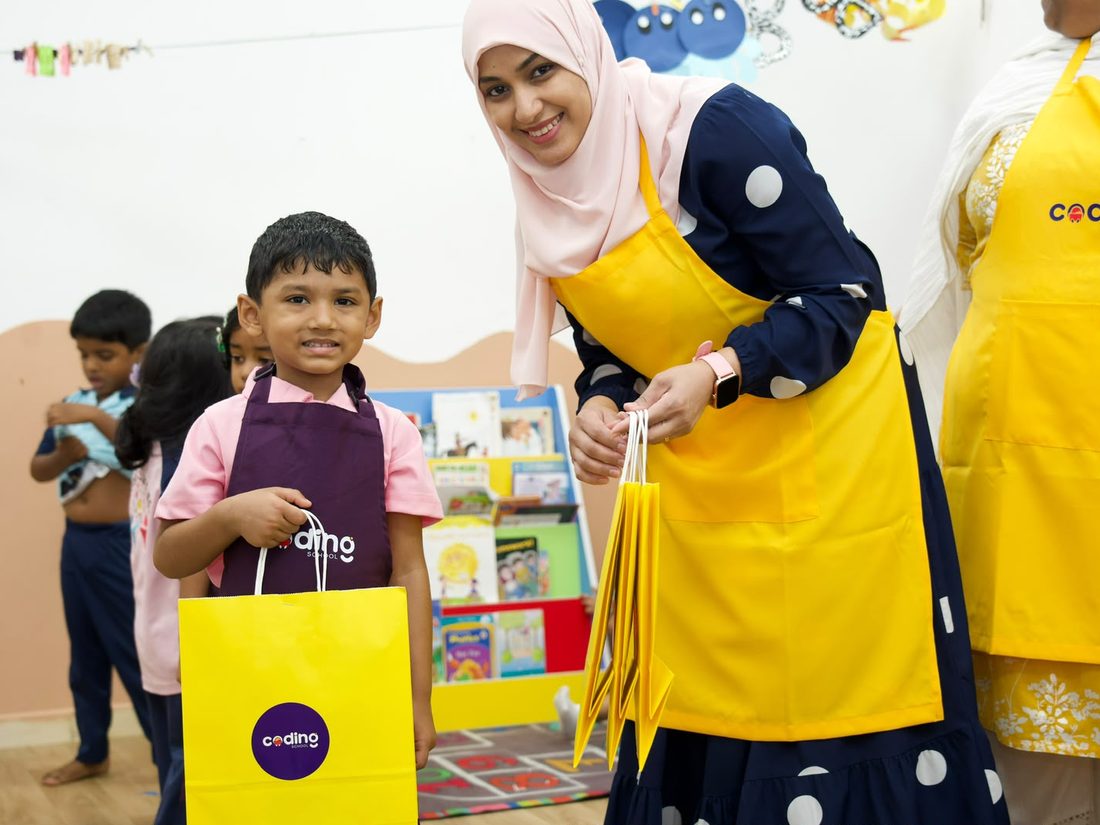
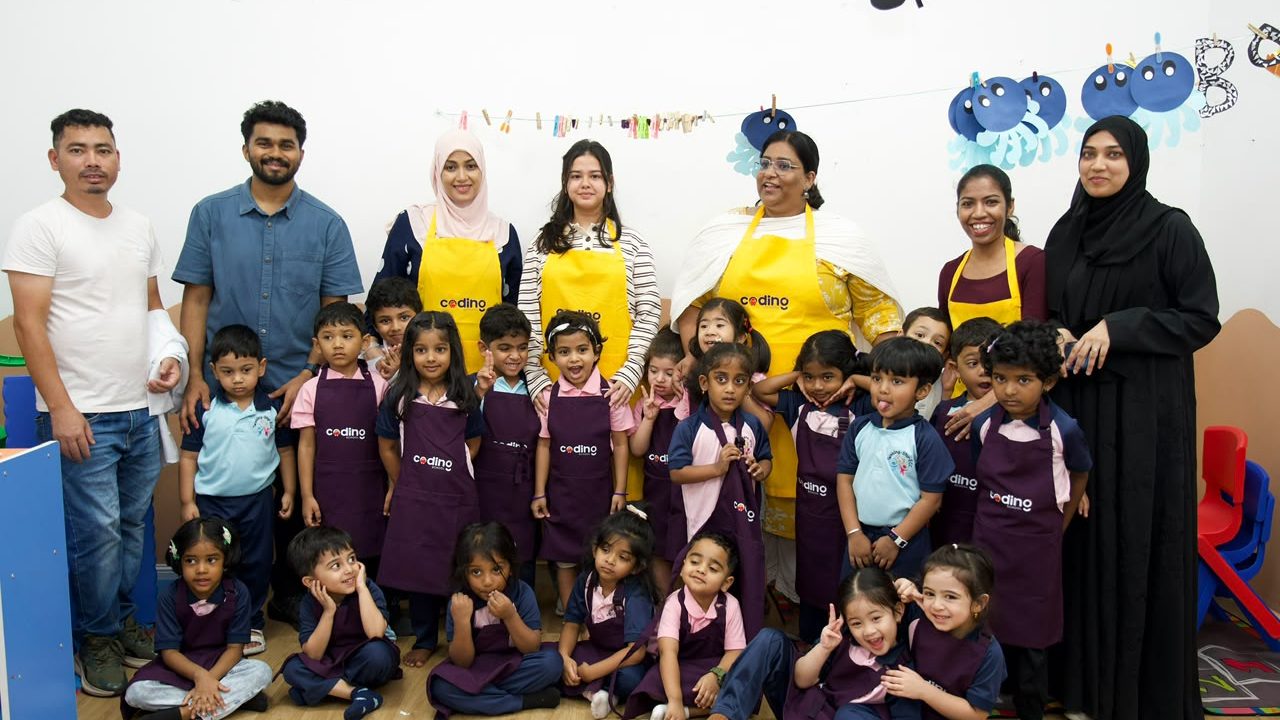
Moments from recent sessions at our partner nurseries in Dubai.
Book your nursery
Tell us a little about your setting and we'll come back with dates, age-group options, and a plan that fits your enrichment timetable — the Tinker Fair, the weekly programmes, or both.